Debug
Berlioz provides a debug toolbar and console to facility your development.
Toolbar
The toolbar shown at left bottom of your page, and indicate the time of page execution.

Info:If an error occurred during script execution, the check icon transform to cross icon ;)
Two icons appears on hover. The first to hide the toolbar, and the second to switch at right the toolbar (this action is saved into a cookie to reproduce the position).
Console
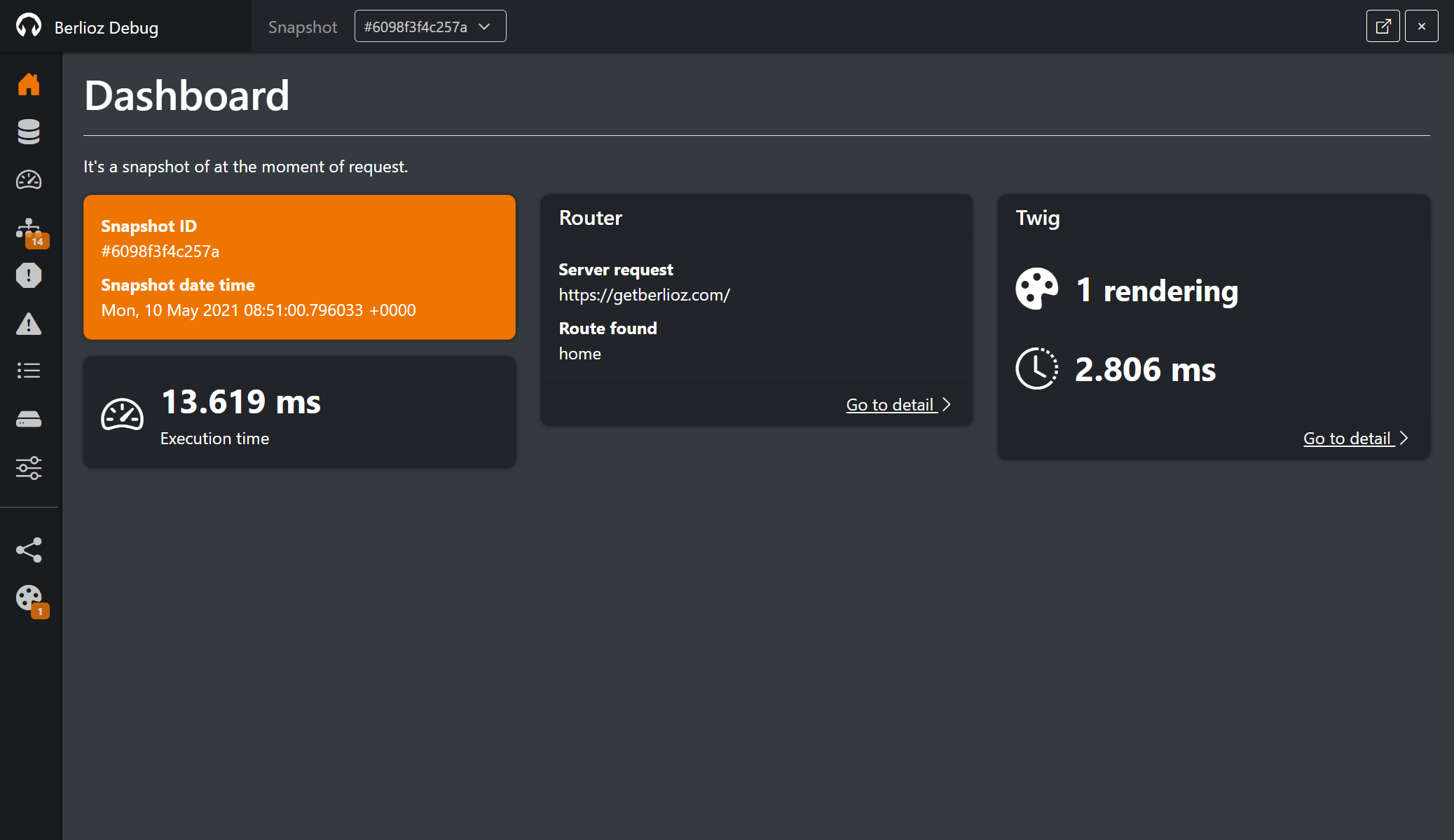
To open console, you need to click on the toolbar.
HTTP response
Info: Since version 3.3
The HTTP / Router section also displays the response status code, reason phrase, HTTP protocol version and headers, allowing you to inspect the response alongside the request and routing information.
Enable/Disable debug mode
In your configuration file, you need to specify the activation of debug, by default, the debug mode is not enable.
{
  "berlioz": {
    "debug": {
      "enable": true
    }
  }
}
Restrict to an IP or host
By security, you can restrict the activation of debug mode to some ips or host. In your configuration file, you need to declare the list of authorized ips and hosts, like this:
{
  "berlioz": {
    "debug": {
      "enable": true,
      "ip": [
        "127.0.0.1",
        "getberlioz.com"
      ]
    }
  }
}
In this example, debug mode is activated only for local ip 127.0.0.1 and host getberlioz.com.
Client IP resolution behind a proxy
Info: Since version 3.2
The client IP checked against the allow-list is now taken from REMOTE_ADDR and the X-Forwarded-For header is
no longer trusted by default. Previously, a spoofed X-Forwarded-For header could bypass the IP restriction and
enable the debug mode from any origin.
If your application runs behind a trusted reverse proxy or load balancer, declare the proxy addresses (single IPs or
CIDR ranges) under berlioz.proxies.trusted. Only then is the forwarded client IP taken into account:
{
  "berlioz": {
    "proxies": {
      "trusted": [
        "10.0.0.0/8",
        "192.168.1.10"
      ]
    },
    "debug": {
      "enable": true,
      "ip": [
        "127.0.0.1",
        "getberlioz.com"
      ]
    }
  }
}
When no trusted proxy is configured, the forwarded headers are ignored and REMOTE_ADDR is used as the client IP.
Snapshot retention
Info: Since version 3.2
When debug mode is enabled, Berlioz records a snapshot (debug report) for each request. To prevent the debug directory
from growing indefinitely, old snapshots are garbage collected probabilistically on write, according to a
retention policy configured under berlioz.debug.gc:
{
  "berlioz": {
    "debug": {
      "enable": true,
      "gc": {
        "probability": 1,
        "divisor": 100,
        "max_age": 7,
        "max_files": 100
      }
    }
  }
}probability/divisor: the garbage collector runs with a probability ofprobability / divisoron each snapshot write (default1 / 100, i.e. ~1% of requests). Setprobabilityto0to disable automatic collection.max_age: delete snapshots older than this number of days (nullto disable).max_files: keep at most this number of snapshots, deleting the oldest ones beyond the limit (nullto disable).
You can also trigger the cleanup manually with the berlioz:debug-clear CLI command.